Useful feature for fast work in Windows - jump list
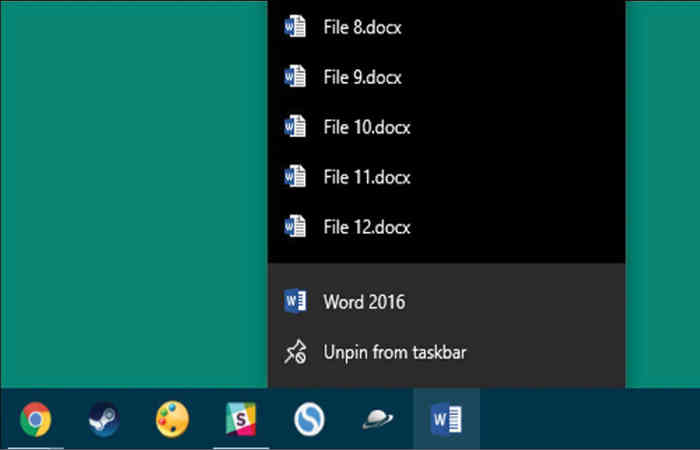
If you make extensive use of desktops or laptops, one of the features you need to know is the jump lists in the taskbar. You may be using it , but you are not particularly aware of its features.
Once the computer is turned on , you may know that the bottom bar on the monitor is called ' Taskbar ' . The icons of the program or folder we open are displayed in this taskbar , so that if we want to move from one folder to another folder or program, we can go to it by left clicking on its icon.
The jump list feature is available by right-clicking the mouse. In a way, this jump list serves as a shortcut for us , which allows us to easily access the file we frequently open in any program that is open in the computer . If you're working on another program after opening Firefox and need to revisit a site we've seen in Firefox , then right-clicking on the Firefox icon in the test bar will find links to the webpage we've visited frequently.
Now any of these pages , such as the Gmail page that you frequently open , are highlighted by hovering the mouse cursor over it , and to its right , the page is permanently pinned to the jump list. Pin Gmail , so if all the other pages in the jump list keep changing , Gmail's link will definitely appear at the top!
In addition to the jump list , Firefox will also have a link to a task such as opening a new tab or a new window. If you want to close all Firefox windows at once, you can do so from here.
According to each program, the information found in the jump list varies. It is a small convenience to look at , but it is a habit to work fast!


Comments
Post a Comment